Gumloop Review 2026: The No-Code AI Automation Platform That Raised $50M from Benchmark
Gumloop is the fastest-growing no-code AI automation platform of 2026. It landed a $50 million Series B from Benchmark in March (TechCrunch), counts Shopify, Instacart, Ramp, and Gusto as customers, and lets anyone — no engineering background required — build AI agents that automate complex workflows across Slack, Gmail, databases, and CRM tools.
This review covers what Gumloop actually does, how its pricing works, where it excels, and where it falls short compared to alternatives like n8n and Make.
TL;DR
Gumloop is a visual AI workflow builder that combines drag-and-drop node editing with model-agnostic access to GPT-4, Claude, Gemini, and DeepSeek. The free tier (5,000 credits/month) is genuinely usable, and the Pro plan at $37/month unlocks unlimited seats and 20,000+ credits (gumloop.com/pricing). It’s ideal for non-technical teams wanting AI-native automation without writing code, but its smaller integration library and credit-based pricing model may not suit everyone.
Rating: 8.2/10 — Recommended for AI-heavy workflows; overkill for simple app-to-app automation.
What Is Gumloop?
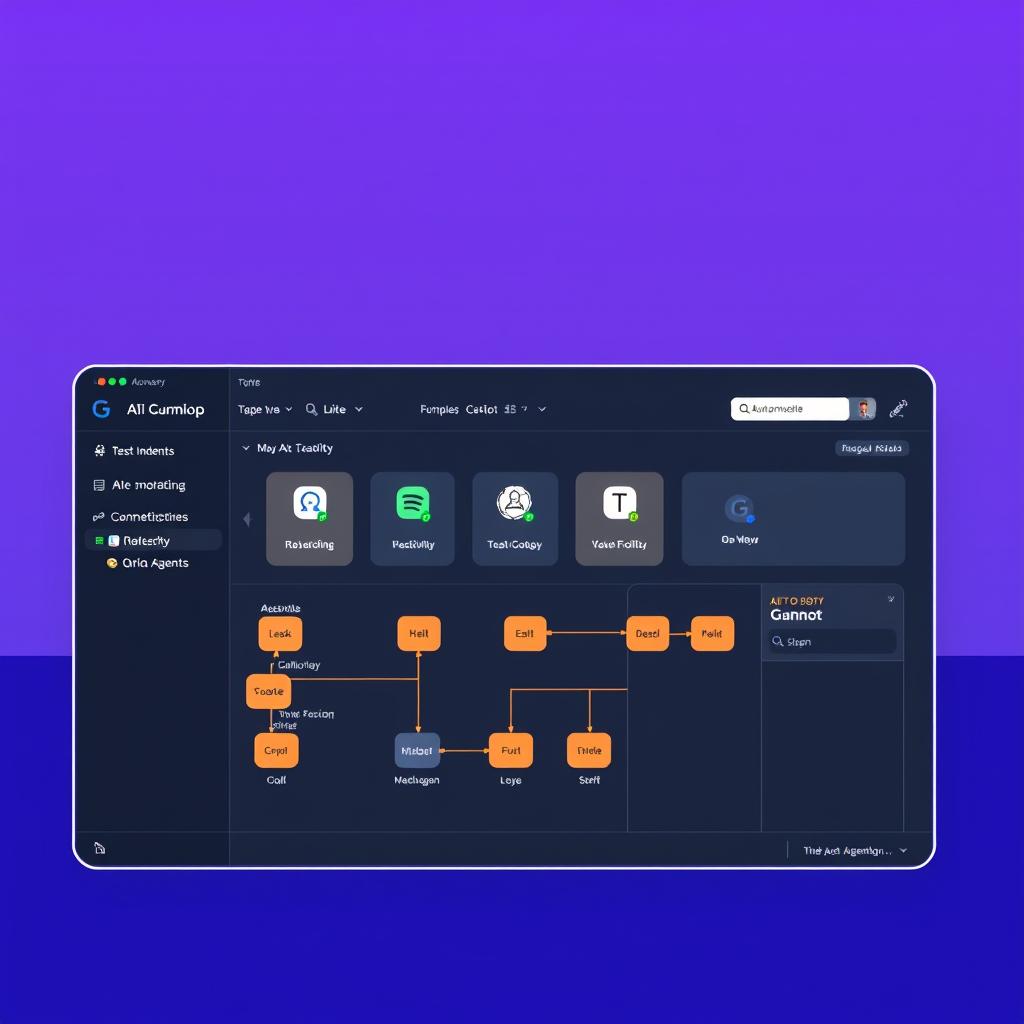
Gumloop is a no-code AI automation framework. Think of it as a visual operating system for AI agents. You build workflows by connecting nodes on a canvas — input sources (Slack, email, webhooks), AI processing (LLM calls, document parsing, image analysis), and output actions (CRM updates, database writes, notifications).
Founded in mid-2023 by Max Brodeur-Urbas, Gumloop was part of Y Combinator and raised a $50 million Series B led by Benchmark in March 2026 (TechCrunch, March 2026). The company’s thesis: understanding a task should be the only prerequisite to automating it.
Unlike Zapier or Make, which are rules-based automation tools with AI features bolted on, Gumloop is built AI-first. Every node in the workflow can call an LLM, process unstructured data, or make decisions autonomously. The platform is model-agnostic — you can use OpenAI, Anthropic, Google, or DeepSeek models interchangeably, and you don’t need to manage API keys.
As of June 2026, Gumloop serves teams at Instacart, Shopify, Samsara, Webflow, Ramp, Opendoor, and Gusto. Instacart CEO Fidji Simo said the platform “has been critical in helping all teams at Instacart — including those without technical skills — adopt AI and automate their workflows” (Gumloop blog).
Key Features
Visual Workflow Canvas
Gumloop’s core interface is a drag-and-drop node editor. You build “Flows” by connecting blocks for triggers, data sources, AI processing, and actions. The canvas supports branching, looping, conditionals, and parallel execution. A built-in AI assistant called Gummie can generate entire workflows from a natural language description.
Multi-Agent Orchestration
Gumloop supports dedicated AI agents that run autonomously on schedules or event triggers. Each agent can have its own model assignment, system prompt, tool access, and data sources. You can orchestrate multiple agents in a single workflow — for example, a data analysis agent that pulls from BigQuery, a summarization agent that processes the results, and a Slack agent that posts the final report.
Model-Agnostic LLM Access
Gumloop bundles access to GPT-4o, Claude 4 Sonnet, Gemini 2.5 Pro, DeepSeek V4, and other models into a single subscription. No separate API keys needed. This is a key differentiator — enterprise customers who already have API credits can bring their own keys, but individual users get all models included.
The model-agnostic approach also future-proofs your workflows. Everett Randle of Benchmark noted: “Plenty of enterprises have OpenAI, Gemini, and Anthropic credits. They want to use all of them” (TechCrunch).
MCP Server Hosting
Gumloop includes Model Context Protocol (MCP) server hosting and proxying. Pro users get one hosted MCP server and three proxies. This allows Gumloop agents to connect to external tools and data sources through the MCP standard — a major step for integrating AI with existing enterprise infrastructure.
Pre-Built Agent Templates
Gumloop ships with ready-made agents for common use cases: Data Analysis Agent (analytics on BigQuery/Snowflake), Support Agent (triage bugs, create tickets), CRM Agent (manage deals, research prospects), Meeting Prep Agent (brief you before calls), and Call Analysis Agent (analyze recordings for objections and coaching). These are built by the Gumloop team and partner companies.
Gumstack Security Layer
Enterprise deployments get Gumstack — a centralized security layer that monitors, audits, and controls all AI interactions across the organization. Features include role-based access control, audit logs, AI model access restrictions, VPC deployment, SCIM/SAML SSO, and zero-data-retention agreements. Gumloop is SOC 2 Type II certified and GDPR compliant (Gumloop security).
Pricing
Gumloop uses a credit-based pricing model. Credits are consumed by each node execution, with AI-intensive operations costing more than simple data transforms.
| Plan | Price | Credits | Key Features |
|---|---|---|---|
| Free | $0 | 5,000/mo | 1 trigger, 2 concurrent runs, 5 agent interactions, unlimited agents and flows |
| Pro | $37/mo | 20,000+ | Unlimited seats and triggers, 5 concurrent runs, 25 agent interactions, MCP hosting |
| Enterprise | Custom | Custom | RBAC, SSO/SAML, VPC, audit logs, dedicated support |
Pricing sourced from gumloop.com/pricing.
Credit consumption notes: Simple AI text generation costs ~1-5 credits per call. Document parsing and image analysis can run 20-50 credits per page (CheckThat.ai). A daily workflow running 10 AI operations costs roughly 300-1,500 credits/month in the Pro plan (Gumloop pricing).
What to watch for: Credits do not roll over month to month. Overages on the Pro plan add costs at $0.005 per additional credit. A Solo user consuming 25,000 credits would pay $37 + $75 overage = $112 total (CheckThat.ai).
Ease of Use
Gumloop has a gentler learning curve than n8n but a steeper one than Zapier. The visual canvas is intuitive for straightforward workflows — drag a trigger, connect an LLM node, add an output action, and you’re running. The Gummie AI assistant can build basic workflows from a text prompt, which helps new users get started without clicking through the node library.
Where complexity creeps in is with multi-agent orchestration, error handling, and credit optimization. Non-technical users can build a working workflow in 15 minutes, but building production-grade automations with proper error branches and scheduling takes more practice.
The documentation includes Gumloop University (video tutorials), an active Slack community, and pre-built agent templates that demonstrate patterns.
Pros & Cons
Pros:
- All major AI models bundled into one subscription — no separate API keys needed
- Free tier (5,000 credits/month) is generous enough for real workflows
- MCP server hosting is unique among no-code automation platforms
- Gumstack provides enterprise-grade security and access controls
- Active community and responsive Slack support
- SOC 2 Type II certified and GDPR compliant
Cons:
- Credit-based pricing adds complexity — a single heavy document-processing workflow can consume credits quickly
- Integration library (50-100 apps) is much smaller than Zapier’s 7,000+ or Make’s 2,000+ integrations (Zapier app directory, Make integrations)
- No free rollover for unused credits
- Concurrent run limits (2 on Free, 5 on Pro) can bottleneck teams with many active workflows
- Some users report ~15% failure rate on web scraping workflows due to anti-bot protections (Automation Atlas)
Use Cases
Competitor Monitoring and Analysis
A content marketing agency built three workflows on Gumloop Pro: competitor blog monitoring (web scraping + AI summarization), content brief generation (keyword research + AI outline), and social post drafting. Running daily, the agency consumed 7,500 credits/month and saved 25 hours of analyst time per month — a cost of $3.88 per hour saved (Automation Atlas case study).
Sales Lead Enrichment and CRM Updates
Sales teams connect Gumloop to HubSpot or Salesforce, creating agents that research incoming leads from LinkedIn and company websites, enrich CRM records with firmographic data, and score leads using AI classification. The CRM Agent template handles deal management, prospect research, and automated CRM updates without manual data entry.
Internal Onboarding and Reporting
The Data Analysis Agent connects to BigQuery or Snowflake, runs scheduled queries, and posts formatted reports to Slack. Instacart uses this pattern for funnel analysis — the agent identified a 46% drop-off between dashboard views and attempted integrations, helping the team prioritize onboarding improvements.
AI-Powered Customer Support Triage
Support teams deploy agents that monitor incoming tickets, classify urgency, suggest responses from knowledge bases, and escalate complex issues. The Support Agent template spots pattern changes in ticket volume and flags potential outages before customers notice.
Alternatives
n8n
n8n is the open-source alternative with the largest community template library (5,000+ templates available in its library at n8n.io). It’s ideal for technical teams who want self-hosted automation with full control over infrastructure. However, it requires managing your own LLM API keys, has no free plan (only a 14-day trial), and the learning curve is steeper because you configure everything from nodes to error handling manually. Starter plan from $24/month (n8n.io).
Make
Make (formerly Integromat) is the budget-friendly option with 7,500+ pre-built templates and a free tier (1,000 operations/month). Its Core plan at $10.59/month is significantly cheaper than Gumloop’s Pro tier. However, Make’s AI features feel less integrated — you configure AI actions through HTTP modules rather than native AI nodes. Better for simple automation without heavy AI processing (make.com).
Zapier
Zapier has the largest integration library (7,000+ apps) and the simplest interface. Its AI-powered workflows (Zapier Central) are improving, but the AI features still feel like an add-on to the core rules-based engine. Pricing scales fast — $29.99/month for Pro (2,000 tasks/month) — and costs can explode at higher volumes (zapier.com/pricing).
Verdict
| Category | Score |
|---|---|
| AI capabilities | 9/10 |
| Ease of use | 8/10 |
| Pricing value | 7/10 |
| Integration library | 6/10 |
| Enterprise features | 9/10 |
| Overall | 8.2/10 |
Gumloop is the best choice if: You’re building AI-first workflows — content generation, lead enrichment, document processing, multi-agent orchestration. If you need AI bundled into a single subscription without managing API keys, Gumloop’s model-agnostic approach and MCP hosting give it a genuine edge over every competitor.
Skip Gumloop if: You need simple app-to-app automation (Zapier or Make will be cheaper and simpler) or you want full self-hosted control (n8n self-hosted is free and more flexible). Heavy web scraping use cases may hit anti-bot barriers.
Gumloop is not a Zapier killer — it’s a different category of tool. For AI-native automation workflows, it’s the strongest option in 2026.
FAQ
Does Gumloop have a free plan?
Yes. The Free plan gives you 5,000 credits per month, one trigger, two concurrent workflow runs, and five concurrent agent interactions. Enough for a single personal workflow or testing the platform.
Can I bring my own API keys?
Yes. Pro and Enterprise plans support BYO API keys for OpenAI, Anthropic, Google, and other providers. This lets you use existing enterprise credits or preferred models.
Does Gumloop support MCP?
Yes. Gumloop provides MCP server hosting and proxying on Pro and Enterprise plans. Pro includes one hosted MCP server and three proxies.
Is Gumloop SOC 2 compliant?
Yes. Gumloop is SOC 2 Type II certified and GDPR compliant. Enterprise plans include zero-data-retention agreements, audit logs, VPC deployment, and SCIM/SAML SSO.
How does Gumloop compare to n8n?
Gumloop is AI-native with bundled model access and a gentler learning curve. n8n is open-source, more flexible for technical teams, and cheaper if you self-host (free) — but you need your own LLM API keys and infrastructure expertise.
Sources
- Gumloop pricing page: https://www.gumloop.com/pricing
- Gumloop official site: https://www.gumloop.com/
- “Gumloop lands $50M from Benchmark” — TechCrunch, March 2026: https://techcrunch.com/2026/03/12/gumloop-lands-50m-from-benchmark-to-turn-every-employee-into-an-ai-agent-builder/
- Gumloop blog — “10 best AI workflow automation tools I’m using in 2026”: https://www.gumloop.com/blog/best-ai-workflow-automation-tools
- Automation Atlas — Gumloop Pricing 2026: https://automationatlas.io/answers/gumloop-pricing-explained-2026/
- CheckThat.ai — Gumloop pricing breakdown: https://checkthat.ai/brands/gumloop/pricing
- “Gumloop reels in $50M for its AI automation platform” — SiliconANGLE: https://siliconangle.com/2026/03/13/gumloop-reels-50m-ai-automation-platform/
📖 Related Reads
- ToolBrain — tool reviews, LLM comparisons, and AI workflow guides
- CodeIntel Log — code quality, debugging, and software engineering benchmarks
- NiteAgent — AI agent development, frameworks, and production patterns
- Hermes Tutorials — Hermes Agent setup, configuration, and advanced workflows
Cross-links automatically generated from NoCode Insider.